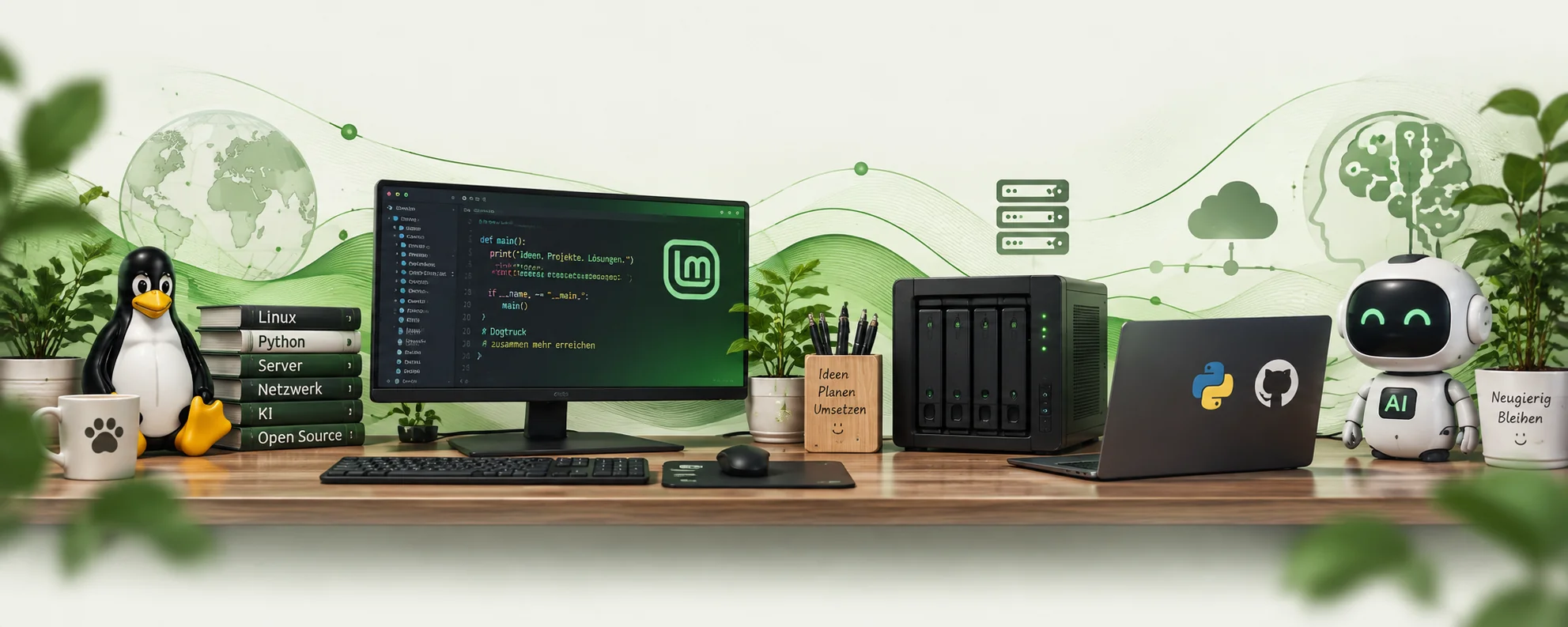
My working environment
Why my PC no longer has to do everything — and how Linux Mint, a lab VM, AI, NAS and cloud services work together in my setup.
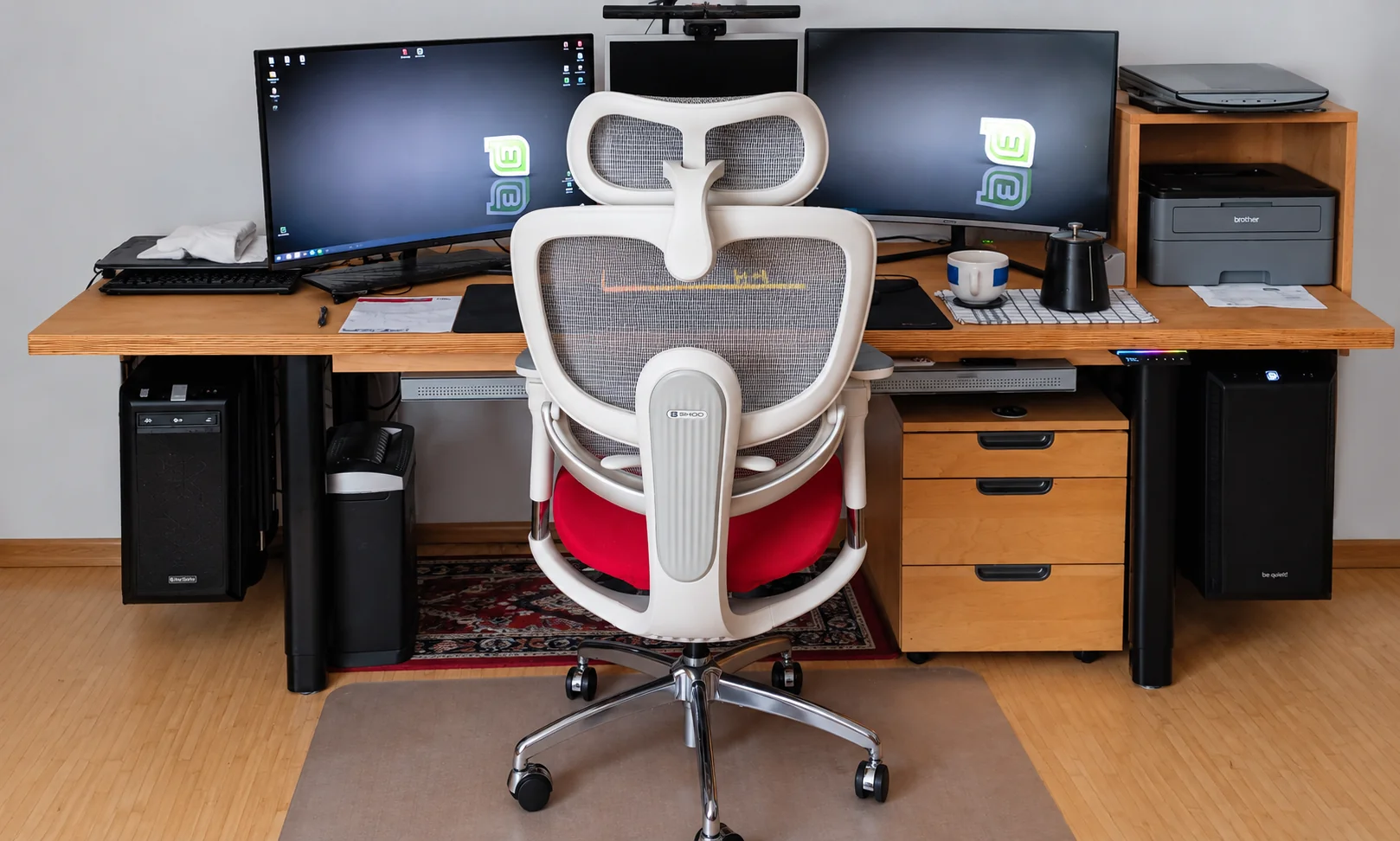
Things used to be simple: one computer for working, experimenting, installing and changing things. That works — at least until a change affects the very computer you depend on every day.
Over time, my single PC has grown into a small working environment. Not because I wanted as many computers and services as possible, but because different places proved useful for different tasks.
The main PC — a stable foundation
My main computer runs Linux Mint. This is where everyday work happens. I research in the browser, plan projects, review results and manage my data.
The main PC should remain as reliable as possible. That is precisely why every new idea no longer needs to be tried directly on this system.
The lab VM — where things are allowed to go wrong
My lab: develop, experiment and test.
For development and testing, I have a separate virtual machine — my lab. There I can install and remove programs, try Python projects and test changes without putting my actual work computer at risk every time.
The big advantage is that I do not have to be particularly careful with every experiment. For example, if I want to know what a program actually changes during installation, whether an uninstall works cleanly or what effects a system change has, I can try it out in practice in the lab.
This is especially important for my own tools. A program that will later install packages, change files or carry out other work on the system needs to do more than start once on my main PC without errors. In the lab, I can try out what happens on a second run, how an interruption affects things or whether unwanted remnants are left behind after a test.
The lab does not have to remain perfect permanently. If an experiment really does mess up the virtual machine, that is also a test result. The environment can then be restored, and the next experiment starts under known conditions.
This turns experimentation into a controlled test: not just establishing that something works, but also finding out what happens when it does not work.
The lab is therefore more than just another virtual machine. It is the workshop of my working environment.
The browser and the ChatGPT app — deliberately separate tasks

I have also divided the tasks when working with AI. On the main PC, I mainly use the browser version for research, planning, establishing shared rules and reviewing results.
In the lab VM, the ChatGPT app focuses more on practical implementation. It is directly in the environment where development and testing take place.
This separation has a simple purpose: planning and review stay on the stable side, while development and experiments take place in the lab.
Clear rules for recurring projects
As more projects emerged, a consistent approach became increasingly important. That is why recurring work has established rules and skills. These specify, for example, how projects are structured, which files belong to them and how particular tasks should be carried out.
This does more than save work. It also prevents each new project from being structured completely differently — or an AI suddenly “improving” things nobody asked it to change.
OMV — keeping backups separate
My working environment also includes an OpenMediaVault server (OMV). Its job is backing up, rather than everyday development.
Projects and important data should not exist only on the computer currently being used. That is why backups are deliberately kept separate from the actual work.
A synchronised file is not yet an independent backup.
World4You Cloud and PC cloud — data on my phone too

Alongside the OMV server, I use World4You Cloud and my PC cloud. However, these two solutions serve a different purpose from backups.
Their main purpose is to synchronise selected data between the PC and my phone, or make it available while I am away. This lets me access certain files without having to transfer them manually between devices every time.
The distinction between synchronisation and backups matters to me. If a synchronised file is changed or deleted, that change can also be passed on to other devices. An independent backup on the OMV server, on the other hand, aims to make it possible to restore data when needed.
Why make this effort?
At first glance, this division may look more complicated than a single computer. In everyday use, I find the opposite to be true. Each component has a clearer task.
Lab VM: development and testing
ChatGPT in the browser: research, rules and review
ChatGPT app: practical implementation in the lab environment
OMV: independent backups of important data and projects
World4You Cloud / PC cloud: synchronisation and mobile access on my phone
One computer became a workflow
My working environment did not emerge all at once. It grew out of experience — including the things that did not work.
Today, I therefore try not to start new projects just anywhere. An idea is planned, implemented and tested in the lab, then reviewed and finally backed up. Data I also need while away is additionally synchronised through the cloud solutions intended for that purpose.
This is not a data centre, and it is not meant to become one. It is a private working environment that suits the way I work.
And if something still does not work? Then there must be some way to make it work.