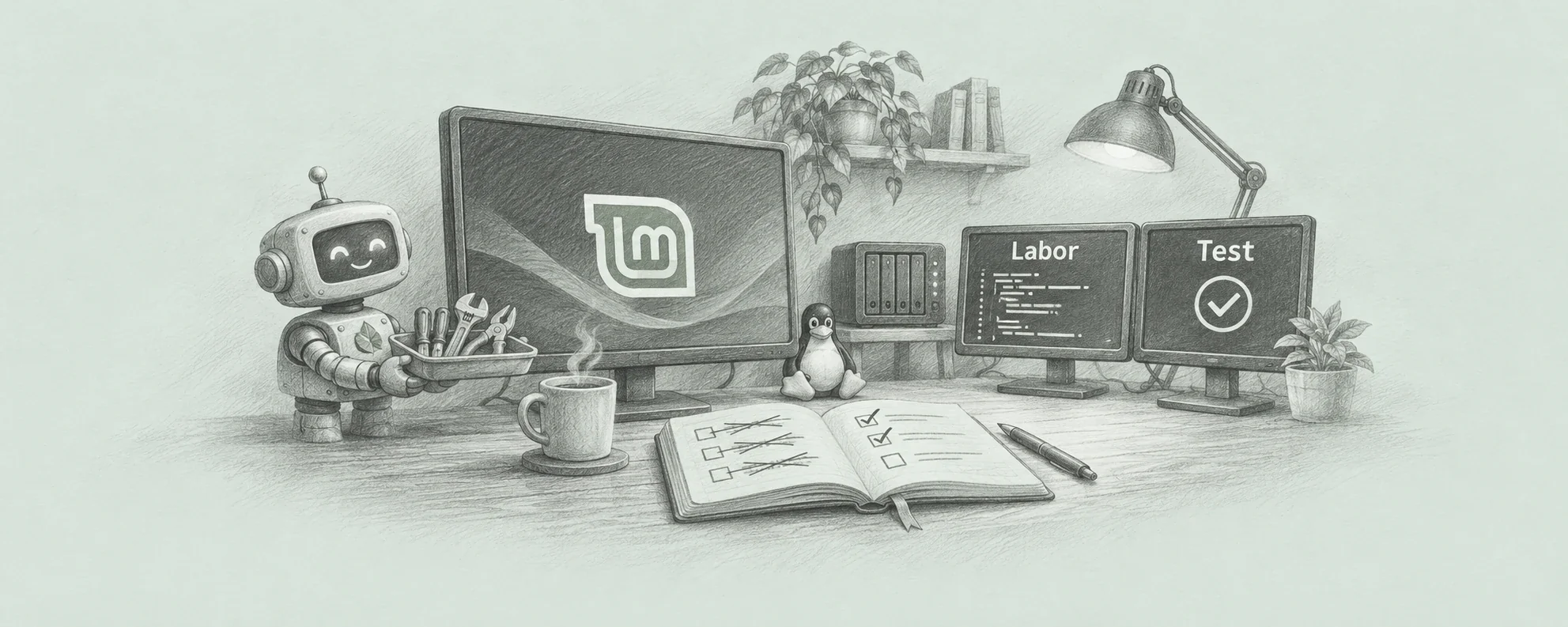
Labor and Test – Part IV
A clean machine for the first run
In Part III, I taught my AI to mark the beginning and end of a task. When the app says “Done” in Labor, I have a build I can try. The next question is whether it will run on another computer.
In Labor, a lot is already in place. I installed a package during development and changed a setting while trying something out. A file from an earlier attempt might still be in the project folder. If everything starts, I may never notice that the program depends on one of those things.
That is why I set up a second VM. The development machine is called Labor, and the second is called Test. Test gives me a clean starting point. I bring over the build and try it with the files provided and the documented prerequisites. That shows me whether it runs on another computer or depends on something I took for granted in Labor.
Labor builds it, Test checks it
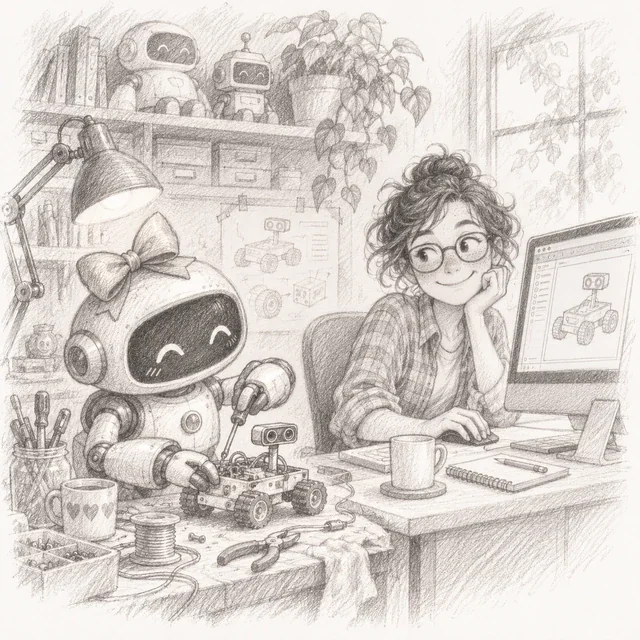
The project takes shape in Labor. I use the app there to edit files, try alternatives and put right whatever goes wrong on the first attempt. When a build is ready, I take it to Test and go through the original requirements. Can I start the project with the files provided? Does the requested workflow work? Is anything missing that happened to be installed in Labor already?
If I find a problem in Test, it goes back to Labor. I fix it there and bring the new build over. Otherwise I might end up with two versions: one in Labor that almost works and one in Test that I got running with three improvised tweaks. Which one was I supposed to hand over again?
A spare clean test machine
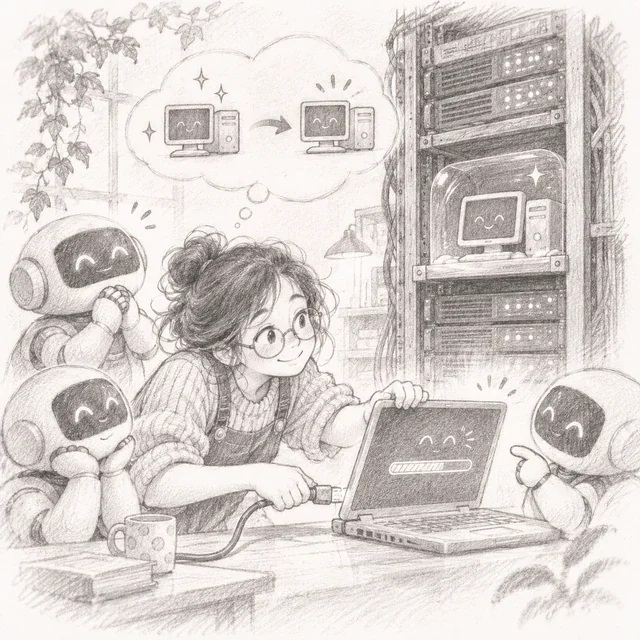
Even a test machine picks up traces of previous work. A run can leave programs installed, settings changed and files behind. The next build might benefit from those leftovers. It would be a bit like leaving the answers from the previous exam on the board.
So I set up a data server that holds a clean template of the Test VM. After a test, I can restore the test machine from that template. The next run starts from the same baseline, and my main PC gets to carry on being my main PC. After Part I, I appreciate that.
How do the files get from here to there?
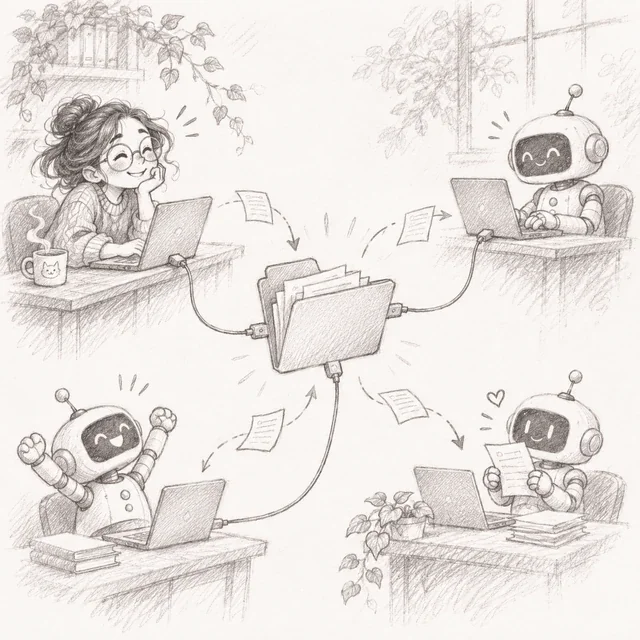
My PC has a shared exchange folder mounted in both VMs. It is the handover point. I can drop a build in from Labor, pick it up in Test and read the results later from my PC. The filename should tell me which build it is. “Final-new-really-final” sounds decisive, but only half answers the question.
I also set up SSH access between the PC and the VMs. From any of the three machines, I can log in to the others. If I am sitting in Test, I can still reach Labor and the PC. I use the exchange folder to hand over files and SSH to look at something directly or work on another machine. I spend less time hunting for the right window just to find out which computer I am on.
The browser AI was let go
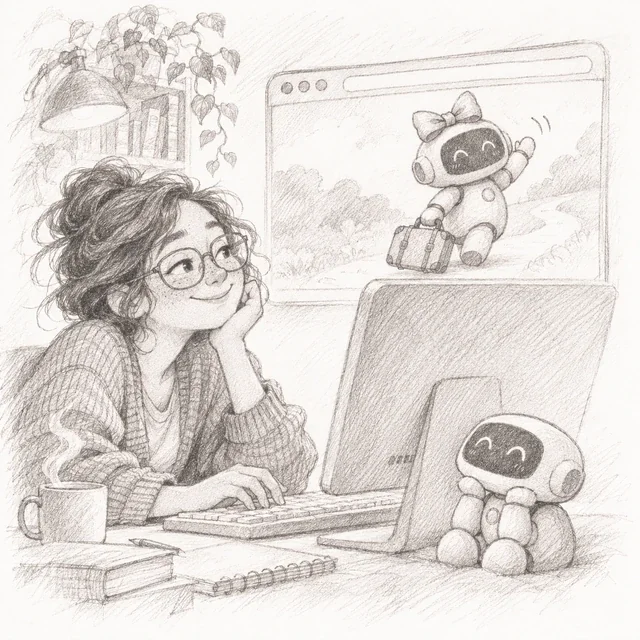
In Part II, the sister sat in the browser and her brother worked in the app. That division of labour has run its course. I let the browser AI go. The app suits me better. I can stay with the project, work on files in its folder and then check the result in Test.
The jobs are simpler now. I build in Labor, see how it holds up in Test and keep the clean baseline on the data server. The app can still say “Fertig”. If I gave it a test assignment, I also want to know which requirements that build met and where it still falls short.
That will do for today. Two VMs, a data server and just one AI. Somehow, adding more computers made things easier to keep track of.